


Pautang Peso APK
LHL ONLINE LENDING, INC
- Version
- 1.2.6
- Size
- 16.1 MB
- Android
- 5.0+
- Category
- Finance
Screenshots
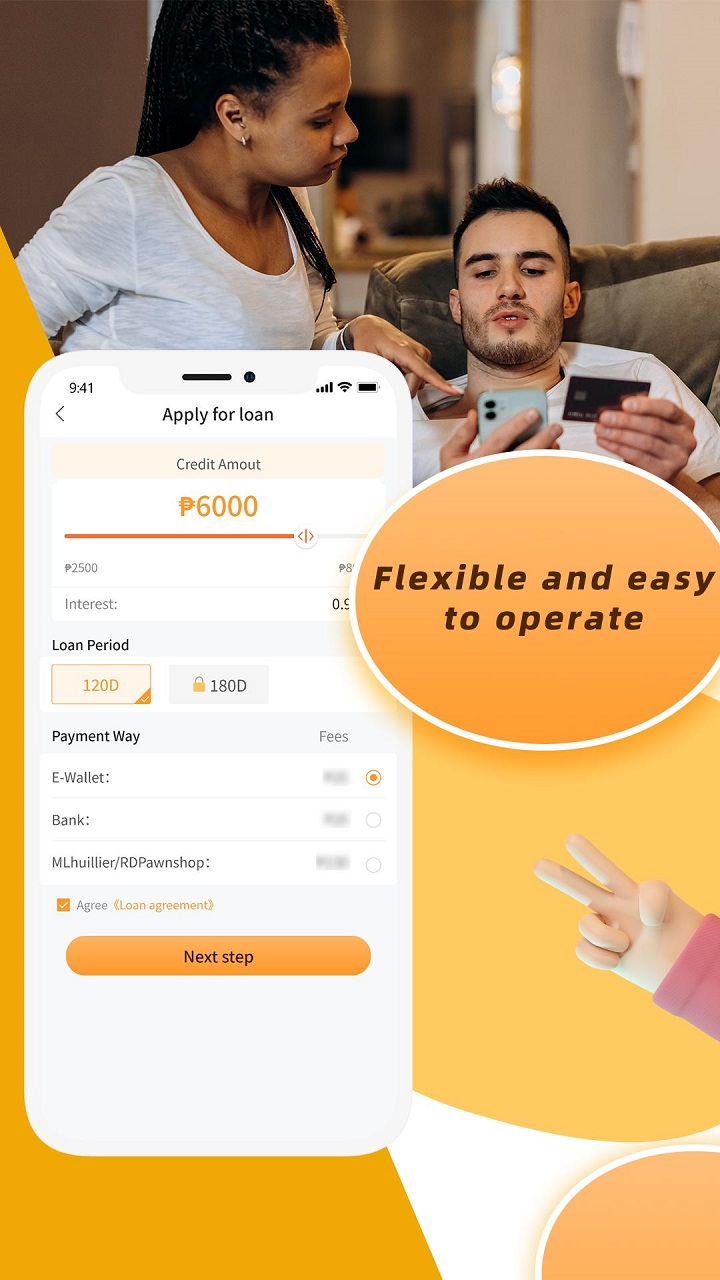
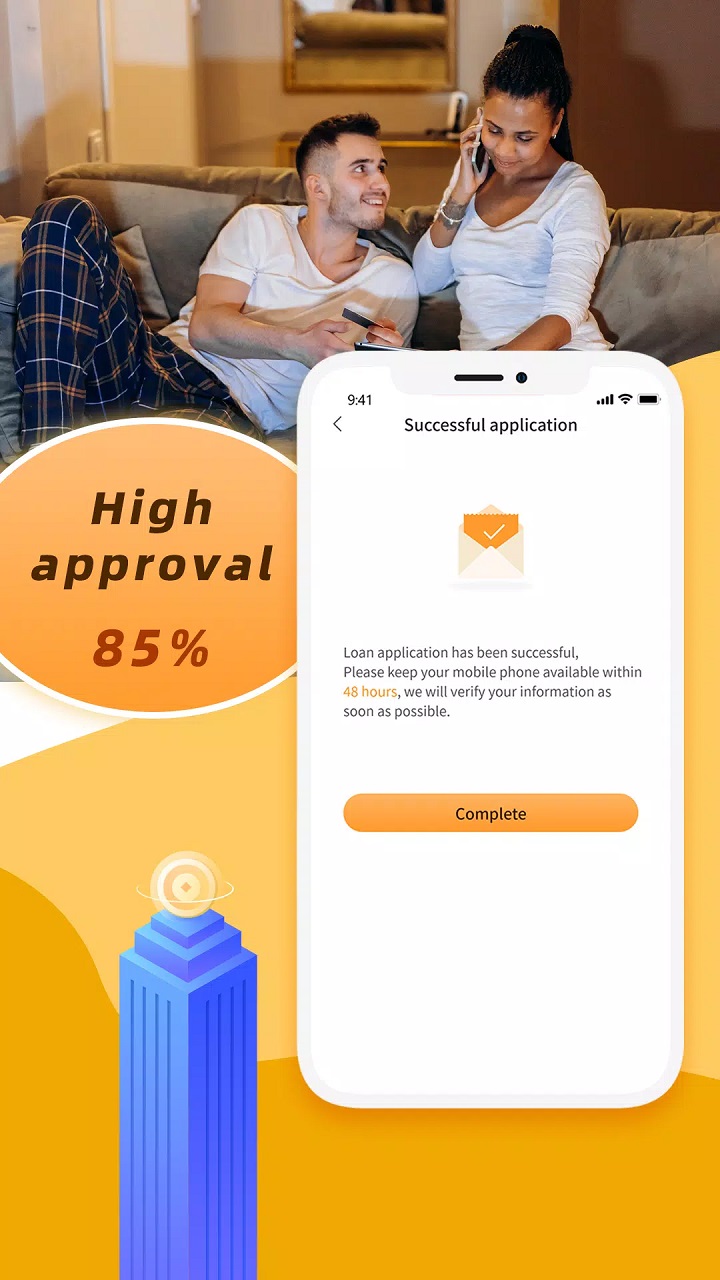
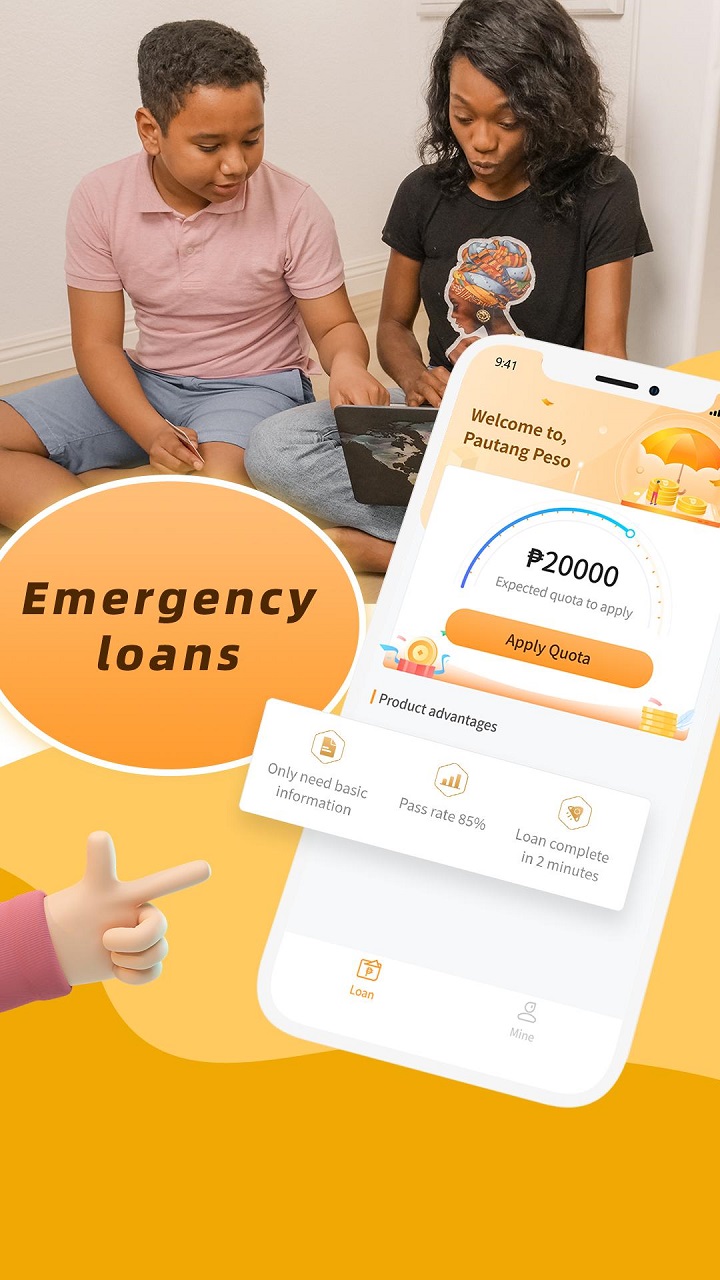

What's new
Version 1.2.6 is the newest build on APKBlade, updated 5 May 2024.
Pautang Peso helps Filipinos get loans fast. It's an app for quick, safe borrowing.
Are you living in the Philippines and need to borrow money fast? Pautang Peso may be the answer. It is an online lending platform made to help individuals, and small business owners get financial help without the trouble of traditional bank loans.
In this article, we will look at what Pautang Peso is, how it works, and why it is becoming a popular choice for Filipinos who need a loan.
What is Pautang Peso?
Pautang Peso is a mobile money lending app that operates in the Philippines. It is designed to provide a safe, easy, and user-friendly way for people to borrow money. Whether you need funds for personal use, to grow your small business, or to cover unexpected costs, Pautang Peso offers a convenient solution.
How to Get Started with Pautang Peso
Getting started with Pautang Peso is pretty simple. Here’s how it works:
1. Download the App: First, you need to install the Pautang Peso app. You can find it on the Google Play Store by searching for “Pautang Peso-Safe Online Loans.” The app is easy to install and is available as an APK file, which means you can download it directly to your Android device.
2. Enter Your Information: Once the app is installed, you’ll need to enter some basic personal details. This typically includes your name, address, contact information, and financial details. Rest assured, Pautang Peso has a privacy policy in place to protect your data.
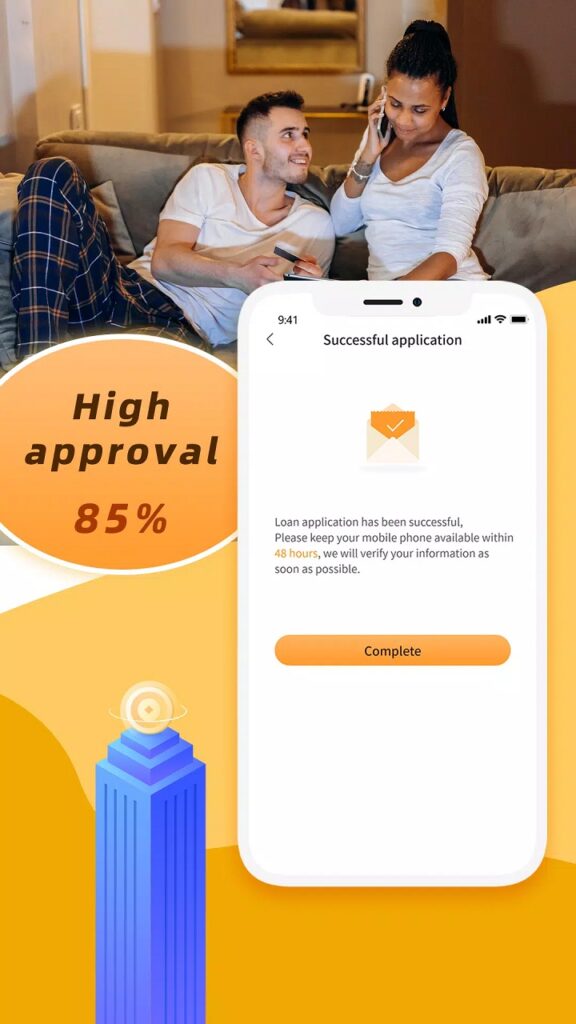
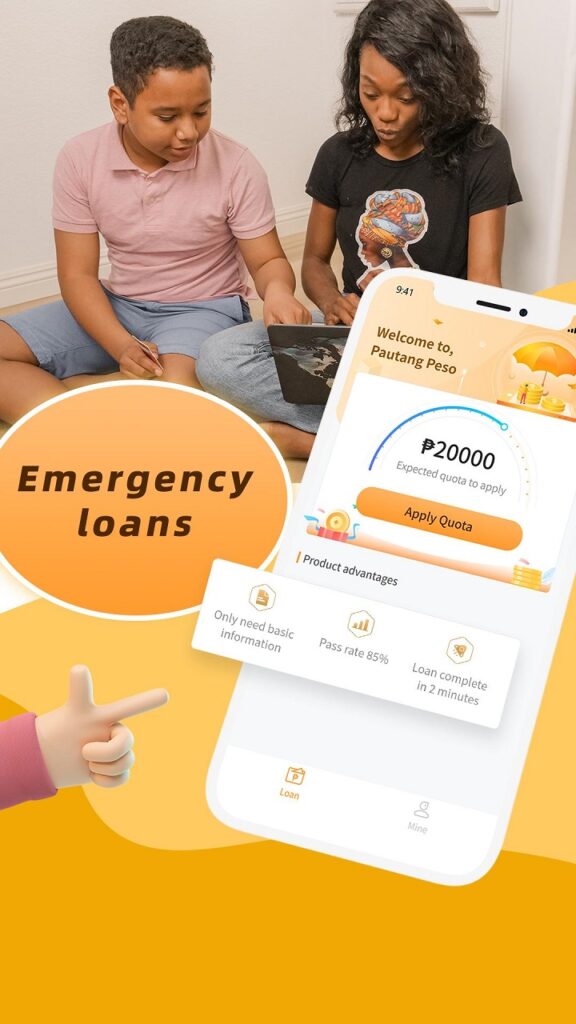
3. Getting a loan with Pautang Peso is easy. Most people who apply get approved. It takes only 2 minutes to know if your loan is approved. That’s fast!
4. After approval, the money goes straight to your account. You can use the funds right away.
Why Choose Pautang Peso?
Pautang Peso is a popular loan app in the Philippines for good reasons. Here are some advantages:
- It’s speedy. From applying to getting your loan, everything happens quickly. This is helpful if you need money urgently.
- It’s convenient. You can apply online from home or work—no need to go to a bank or wait in line.
- Loans are customized for your needs. You pick the amount and repayment terms that suit you best.
- High approval rate. With 85% of loans approved, your chances are high of getting the loan.
- Privacy is protected. Your personal and financial data is kept safe and secure.
- You can delete uploaded images. If you close your account with no pending loans, you can remove any images or documents you uploaded.
Things to Keep in Mind
While Pautang Peso offers many benefits, there are a few things you should remember:
- Interest Rates: Like any loan, you need to pay interest. Make sure to review the terms and understand the rates before accepting the loan.
- Repayment: Have a plan to repay the loan. Not repaying can lead to extra charges and a lower credit score.
- Borrow Responsibly: Only borrow what you can repay. Borrowing too much can cause financial problems and debt.
User Experience
Pautang Peso users say the app helps in times of need. They like the quick approval and getting funds fast. The app is user-friendly, even for non-tech-savvy people.

Conclusion
Pautang Peso is changing how Filipinos borrow money. With quick approval, a high success rate, and a user-friendly platform, it’s one of the best loan apps today.
If you need financial help, download the Pautang Peso app and apply for a loan. This could be the first step to ease your money worries. But borrow wisely and repay on time to maintain good financial standing.
More About Pautang Peso
| Name | Pautang Peso |
|---|---|
| Package Name | ph.lhl.pautangpeso |
| Category | Finance |
| Version | 1.2.6 |
| Size | 16.1 MB |
| Requires Android | 5.0 and up |
| Developer | LHL ONLINE LENDING, INC |
| Last Updated | 5 May 2024 |
How to Install Pautang Peso
- Tap the download button and let the file finish.
- Open the file from your notifications or the Downloads folder.
- If Android asks, allow your browser to install unknown apps.
- Tap Install, then open the app.
FAQ'S
How to install Pautang Peso on android phone?
Once you've downloaded the APK file, click on the downloaded file, then hit the "Install" button.
I am getting Play Protect warning while installing!
Some mod APK files might get a warning. You can ignore this warning and install the APK file. Follow these simple steps to turn off Play Protect: Open Google Play app > Click Profile Icon > Select Play Protect -> Setting > Turn off both "Scan apps with Play Protect" and "Improve harmful app detection" options.
How to update APK without losing the data?
To update APK without losing the data, you don't need to follow anything extra. Click on the downloaded APK file and click the "Install" button. The app will update automatically without loss of data.
How to fix problems while installing/opening?
Make sure you have downloaded the file correctly. The downloaded file extension must end with .apk file. If you face any package install error, redownloading the file may fix the issue.


















Ratings and reviews
There are no reviews yet. Be the first one to write one.